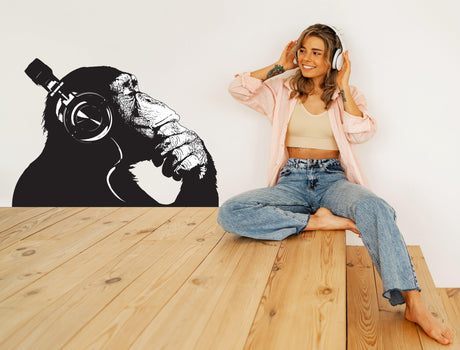
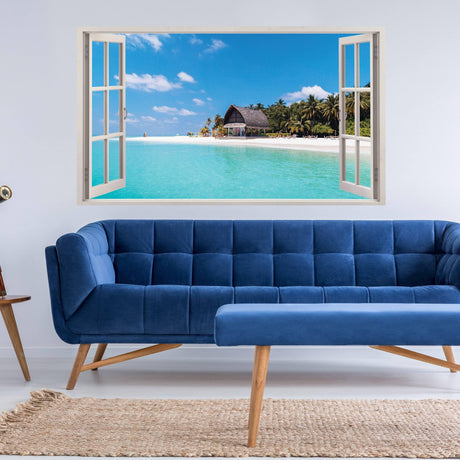
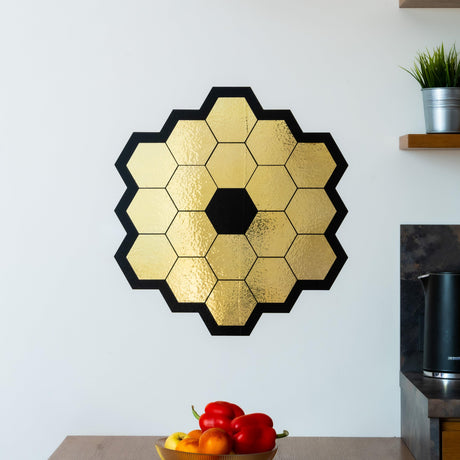
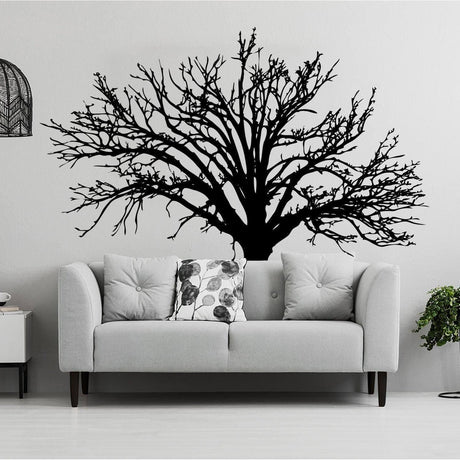
To check whether a wall decal will fit, measure the clear wall space and compare it with the full width and height of the design. Check both dimensions. A decal can fit across the wall but still be too tall.
Use the free wall decal size calculator below to check the fit in inches or centimetres. It also shows the space left around a centred design. You can then use the printable measuring sheets or the short guides for window film, murals, vehicle graphics and 3D decor.
Use the size calculator · Download a measuring sheet · Measure another type of product
Wall decal size calculator
This calculator checks the size of a design you already have in mind. It does not calculate a price or tell you whether vinyl will stick to your wall.
How to use the calculator
- Choose inches or centimetres.
- Enter the clear wall width and height. Leave out furniture, sockets, windows and other obstacles.
- Enter the full design width and height from the product description. For separate pieces, use the size of your planned arrangement, not the size of the backing sheet.
- If you want space around the design, enter the same minimum gap for each edge. Leave it at 0 to check the size alone.
- Select Check the fit. The result shows whether the design fits and the gaps when it is centred. Mark the outline on the wall before you order.
Changing the unit converts the numbers already entered. You can use a decimal point or comma, for example 24.5 or 24,5.
Example: does a 36 × 24 inch decal fit?
If the clear space is 48 inches wide and 30 inches high, a 36 × 24 inch design fits. When centred, it leaves 6 inches on the left and right and 3 inches at the top and bottom. A 48 × 32 inch design does not fit the same space because it is 2 inches too tall.
The calculation is simple. Side gap = (clear width − design width) ÷ 2. Top and bottom gap = (clear height − design height) ÷ 2. If you request a minimum edge gap, the design must leave at least that much room on all four sides.
These are example dimensions, not available product sizes. Use the measurements for the exact product and option you want to order.
Measure a wall decal before ordering
Measure the space where the decal will go, not the whole wall. Check around a bed, sofa, cabinet, light switch or shelf. If the edges are uneven, measure at several points and use the smallest clear width and height for your chosen position.
Check what the product size describes. It may be one piece, a sheet of separate stickers or the complete finished design. Moving pieces farther apart changes the finished size. If only the longest side is listed, ask for the other dimension before using the calculator.
Mark the design's outer width and height with a suitable low-tack tape, testing it in a hidden spot first. Stand back and view the outline from where you normally see the room. A product photo can help you choose a look, but it cannot confirm the scale on your wall.
Our kids' room wall decal photo story shows the difference between a paper design preview and a finished wall. Browse Wall Decals and Wall Stickers for product sizes and surface guidance.
Before ordering, check whether the listed dimensions describe one decal or the complete arrangement. Compare that finished width and height with your available wall space. Leave room around furniture, switches and sockets, and check the product’s surface requirements.
Free printable wall decal measuring sheets
Download a one-page sheet, print it and write down the clear wall area, design size and obstacles. Note whether the product size refers to one piece, the backing sheet or the finished layout.
- English measuring sheet, US Letter, inches (PDF)
- Deutsch: Maßblatt, A4, cm (PDF)
- Eesti: mõõduleht, A4, cm (PDF)
- Русский: лист замеров, A4, см (PDF)
A worksheet is a planning record. It is not a full-size template or an approved production drawing.
How to measure other products
The calculator above is for a rectangular wall space and the outer dimensions of a decal layout. Use the product's own measuring instructions for fitted film, wraps, mural panels and physical objects.
Window decals and window film
Measure the visible glass inside the frame. Check the width and height at several points and record each pane separately. Note handles, seals, hinges and existing film. For a privacy band, record its height and position from the bottom of the glass.
Tell us whether the film goes inside or outside and which side any lettering should be read from. For film that covers the glass, confirm the required trimming allowance. See the window film guide and window stickers and decals.
Car and vehicle decals
Measure the usable panel. Mark door gaps, handles, badges, curves, lights and sensors. Measure both sides separately if they differ. Send straight-on photographs with a real measurement visible. Do not estimate the size from a vehicle photograph alone. See our car decal guide and vehicle decals.
Furniture and appliance wraps
Measure each door, drawer, top and side separately. Include edge depth if the film wraps around it. Note handles, hinges, recesses and the direction of the printed pattern. Number the pieces so each measurement matches a photograph. See furniture wraps and renovation stickers.
Floor decals
Measure the clear floor space and mark thresholds, drains, joints and fixed objects. Check where people will view the design, especially for a 3D effect. Tell us about the floor surface, foot traffic and cleaning. Use a product intended for floors. See floor decals.
Wallpaper and wall murals
Measure wall width at the top, middle and bottom, and height at the left, middle and right. Record doors, windows, slopes and fittings. For full coverage, follow the supplier's instructions for the largest dimensions and trimming allowance. Measure each wall separately and approve the crop and panel layout. See the wall mural measuring guide and wallpapers and murals.
3D printed shelves and decor
Check width, height and depth. The longest outside dimension does not tell you the usable shelf space. Measure the object you want to display, including its base and weight. Check mounting requirements and clearance around doors or curtains. A larger size does not automatically mean a higher load limit. See our mushroom shelf guide and 3D printed decor.
Custom lettering and logos
Send the available width and height, desired finished size, quantity, surface, colour and artwork. Include the viewing direction and whether lettering will be read through glass. Check spelling, dimensions, orientation and cut lines on the proof before production. See the custom decal printing guide or custom orders.
What to send with a custom order
Send your measurements with the units clearly marked, a straight-on photo of the area, close-ups of obstacles and the original artwork. Include the surface, indoor or outdoor use, quantity, delivery destination and required date. A photograph supports the measurements but does not replace them.
Common questions about wall decal sizes
Can I use centimetres instead of inches?
Yes. Choose one unit for all measurements. The calculator converts entered values when you change units. One inch equals 2.54 centimetres.
Does the calculator choose the best-looking size?
No. It checks whether the entered dimensions fit. Mark the outline on the wall to judge the scale and placement in your room.
Can I use it for a set of separate stickers?
Yes, if you enter the full width and height of your planned arrangement. The backing sheet size may be different.
What if the design is too large?
Check both dimensions of a smaller option or ask about a custom size. Do not assume that rotating the design or cutting off part of it will work.
Should I add extra material?
Only when the product's instructions require it. A separate wall decal needs clear space around it. Full-coverage film, wraps and murals may need trimming allowance.
Does a size that fits mean the decal is suitable for my wall?
No. Check the paint, texture and material guidance separately. Fresh paint must fully cure according to its manufacturer's instructions. Test compatibility when it is uncertain.